Buy mentorcoaching.eu ?
We are moving the project
mentorcoaching.eu .
Are you interested in purchasing the domain
mentorcoaching.eu ?
domain@kv-gmbh.de · 0541-91531010
Buy mentorcoaching.eu ?
Why should one use Lightroom for RAW development?
One should use Lightroom for RAW development because it offers a wide range of powerful tools and features specifically designed for processing RAW files. It provides non-destructive editing, allowing users to make adjustments without altering the original RAW file. Lightroom also offers advanced color correction, exposure adjustments, noise reduction, and lens correction tools, making it a comprehensive solution for RAW development. Additionally, its seamless integration with the rest of the Adobe Creative Cloud ecosystem allows for easy workflow management and organization. **
Why is the development not working in Lightroom?
The development may not be working in Lightroom due to a variety of reasons. It could be a technical issue such as a software glitch or a problem with the image file itself. It's also possible that the user may not be applying the development tools correctly or may not have a good understanding of how to use them effectively. Additionally, the issue could be related to the computer's hardware or system requirements not meeting the necessary specifications for running Lightroom smoothly. Troubleshooting the specific issue and seeking help from the Lightroom community or customer support can help identify and resolve the problem. **
Similar search terms for Lightroom
Top-Angebote
Products related to Lightroom:
-
Adobe Photoshop 2020 + Lightroom Classic 2021 + Acrobat Pro 2021 – Lifetime Bundle for WindowsAdobe Photoshop 2020 + Lightroom Classic 2021 + Acrobat Pro 2021 – Lifetime Bundle for Windows Get three powerful Adobe desktop applications in one complete professional bundle. Adobe Photoshop 2020, Adobe Lightroom Classic 2021, and Adobe Acrobat Pro 2021 provide essential tools for professional photo editing, photo organization, creative design, and PDF management. Whether you are a photographer, designer, content creator, freelancer, student, or business user, this bundle brings together three professional applications for your everyday creative and document needs. This is a one-time purchase for one Windows device, with digital delivery and private download instructions provided after purchase. What's Included Adobe Photoshop 2020 Create, edit, retouch, and enhance images with professional photo-editing and graphic-design tools. Features include: Professional photo editing and retouching Layers, masks, and advanced selection tools Color correction and image adjustments Content-Aware editing Object Selection tools Graphic design and typography tools Image compositing and creative artwork RAW image editing support Adobe Lightroom Classic 2021 Organize, edit, and manage your photography with a professional desktop photo workflow. Features include: Professional photo organization and catalog management RAW photo processing Color, exposure, and tone adjustments Presets and batch editing Cropping, sharpening, and noise reduction Lens and camera corrections Non-destructive photo editing Professional photo import and export tools Adobe Acrobat Pro 2021 Manage PDF documents with a comprehensive set of professional PDF tools. Features include: Create and edit PDF documents Convert files to and from PDF Edit PDF text and images Combine and organize PDF files Add comments and annotations Manage PDF pages Create professional documents and forms Tools for business, education, and everyday PDF workflows License & Digital Delivery One-time purchase No recurring subscription fees License for 1 Windows device Private direct download link provided No physical product shipped Installation instructions included Activation instructions provided 24/7 IT support available Pre-activated download – no license key or Adobe account needed. You will receive a private download link to install the software. No product key or Adobe login is included. System Requirements Operating System Windows 10 64-bit Windows 11 64-bit 64-bit Windows operating system required Processor 64-bit Intel or AMD processor 2 GHz or faster recommended Memory 8 GB RAM minimum 16 GB RAM or more recommended Storage At least 10 GB of available disk space Additional storage recommended for Lightroom catalogs, photographs, and project files Display Minimum 1280 × 800 resolution 1920 × 1080 or higher recommended Graphics DirectX-compatible graphics processor 2 GB of GPU memory recommended for graphics acceleration Internet Internet connection may be required for downloading and installation Important...26,56 £*Shipping: 0,00 £Secure redirect to the provider
-
Little Brown Book Group No Limits: Blow the Cap Off Your Capacity by John C. Maxwell – Personal Growth & Leadership Development GuideNo Limits: Blow the CAP Off Your Capacity Description We often treat the word capacity as if it were a natural law of limitation. Unfortunately; most of us are much more comfortable defining what we perceive is off limits rather than what's possible. Could it be that many people have allowed what they perceive as capacity to define them? Have they allowed their perception to limit their attitudes about their potential? In his newest book; John Maxwell identifies 17 core capacities. Some of these are abilities we all already possess; such as energy; creativity and leadership. Others are aspects of our lives controlled by our choices; like our attitudes; character; and intentionality. Maxwell examines each of these 17 capacities; and provides clear and actionable advice on how you can increase your potential in each. He will guide you on how to identify; grow; and apply your critical capacities to your daily life. Once you've blown the 'cap' off your capacities; you'll find yourself more successful--and fulfilled--in your daily life.5,99 £*Shipping: 2,99 £Secure redirect to the provider
-
Tiny Tots Teens Trends Crawling Doll Baby Toy With Music, Early Education Crawling Guidance, Head Up Training Toy For Babies yellowIntroduce your baby to a fun and educational experience with our Crawling Doll Baby Toy with Music. This delightful toy is designed to guide babies as they learn to crawl, promoting early development and coordination. Fun guidance for babies to...29,97 $*Shipping: 0,00 $Secure redirect to the provider
-
Bluebird Mentors: How to Help and Be Helped by Russell Brand – Personal Growth & Guidance BookRussell Brand Mentors How to Help and Be Helped ‘I have mentors in every area of my life, as a comic, a dad, a recovering drug addict, a spiritual being and as a man who believes that we, as individuals and the great globe itself, are works in progress and that through a chain of mentorship we can improve individually and globally, together . . . One of the unexpected advantages my drug addiction granted is that the process of recovery that I practise includes a mentorship tradition. I will encourage you to find mentors of your own and explain how you may better use the ones you already have. Furthermore, I will tell you about my experiences mentoring others and how invaluable that has been on my ongoing journey to self-acceptance and how it has helped me to transform from a bewildered and volatile vagabond to a (mostly) present and (usually) focussed husband and father.’ – Russell Brand Mentors: How to Help and Be Helped describes the impact that a series of significant people have had on the author – from the wayward youths he tried to emulate growing up in Essex, through the first ex-junkie stage, to the people he turns to today to help him be a better father. It explores how we all – consciously and unconsciously – choose guides, mentors and heroes throughout our lives and examines the new perspectives they can bring.1,99 £*Shipping: 1,99 £Secure redirect to the provider




-
What is the problem with the development in Lightroom?
The problem with the development in Lightroom is that it can be time-consuming and overwhelming for some users. With a wide range of editing tools and options, it can be difficult for beginners to know where to start and how to achieve the desired results. Additionally, the non-destructive editing process can lead to large catalog sizes and slow performance, especially when working with a large number of high-resolution images. This can make the editing process frustrating and inefficient for some users. **
-
What is the difference between Lightroom and Lightroom Classic 2?
Lightroom and Lightroom Classic 2 are both photo editing software developed by Adobe, but they have some key differences. Lightroom is a cloud-based service that allows users to edit and organize their photos across multiple devices, with all the edits and changes being automatically synced to the cloud. On the other hand, Lightroom Classic 2 is a desktop-focused application that stores all the photos and edits locally on the user's computer, with the option to sync selected collections to the cloud. Lightroom Classic 2 also has more advanced features and customization options compared to Lightroom. **
-
Which version do you prefer: Adobe Lightroom or Lightroom Classic?
I prefer Adobe Lightroom because of its cloud-based storage and seamless integration across devices. It allows me to access and edit my photos from anywhere, and the automatic syncing feature ensures that all my edits are up to date on all my devices. Additionally, the user interface of Adobe Lightroom is more modern and intuitive, making it easier for me to navigate and use the various editing tools. Overall, Adobe Lightroom provides a more convenient and efficient workflow for my photography needs. **
-
Can Lightroom recognize settings?
Yes, Lightroom can recognize settings through its ability to read and apply metadata. When you import photos into Lightroom, it can recognize and apply any existing settings or metadata that were previously applied to the photos. This can include things like exposure settings, color adjustments, and other editing changes. Additionally, Lightroom can also recognize and apply presets that have been created or imported, allowing for quick and easy application of specific editing settings. **


Is it worth using Lightroom?
Yes, it is worth using Lightroom for photographers and anyone who wants to organize, edit, and enhance their photos. Lightroom offers powerful editing tools, non-destructive editing, and the ability to easily organize and manage large collections of photos. It also integrates well with Adobe Photoshop and other Adobe Creative Cloud apps, making it a valuable part of a photographer's workflow. Additionally, Lightroom's presets and profiles can help streamline the editing process and achieve consistent looks across a series of photos. Overall, Lightroom is a valuable tool for photographers and photo enthusiasts looking to take their editing and organization to the next level. **
How can I sell Lightroom 6?
To sell Lightroom 6, you can list it on online marketplaces such as eBay, Amazon, or Craigslist. Make sure to include detailed information about the product, its condition, and any accessories that come with it. You can also try selling it through social media platforms or photography forums where there may be potential buyers interested in purchasing a second-hand copy of Lightroom 6. Additionally, consider offering a competitive price to attract more buyers. **
Top-Angebote
Products related to Lightroom:
-
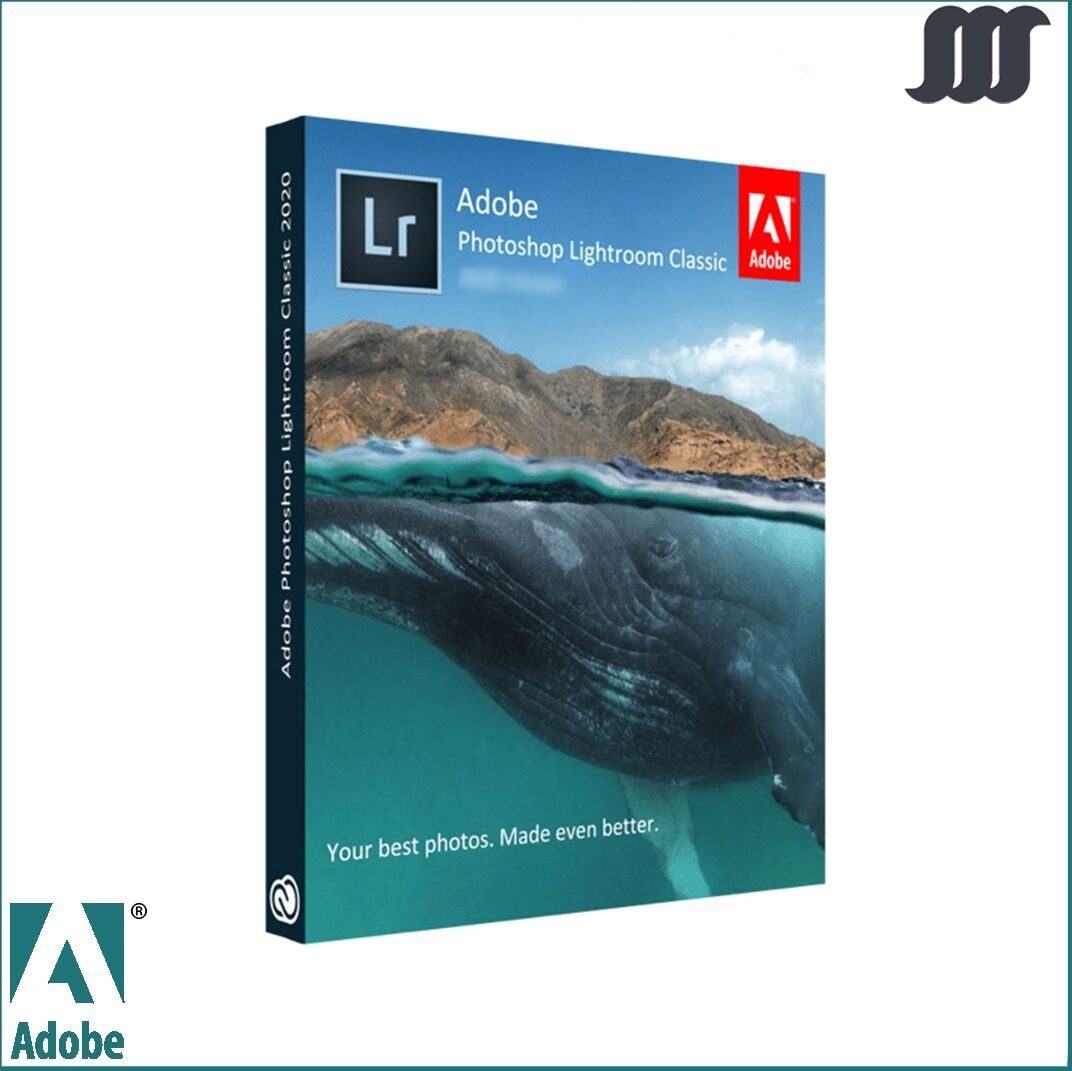
Adobe Lightroom Classic 2021 – Full Version WindowsEdit and organize your photos like a pro with Adobe Lightroom Classic. This version is fully pre-activated and works on Windows only. No Adobe account or product key is required. You will receive a direct private download link after purchase. Once installed, it’s ready to use for life. This is a one-time purchase with lifetime access, ideal for photographers, editors, and creators looking for advanced photo editing without a subscription. Key Features: Full pre-activated version for Windows only Lifetime access – no subscription, no monthly fees Supports all languages and works worldwide Includes professional tools for editing, organizing, and exporting photos Access premium presets and premium features like Super Resolution Designed for desktop workflow with advanced editing controls System Requirements: OS: Windows 10 or 11 (64-bit) Processor: Intel or AMD 64-bit; 2 GHz or faster RAM: 8 GB (16 GB recommended) Storage: 2 GB available disk space (SSD recommended) Display: 1280 x 800 resolution minimum What You’ll Receive: Private download link (sent to your email after purchase) Step-by-step instructions for installation Lifetime use on one Windows device Friendly support if you need help Important Notes: This version is for Windows only It’s a pre-activated lifetime version (not a subscription) No Adobe ID or online sign-in is needed If you have any questions before or after purchase, feel free to contact us. We’re here to help.15,19 £*Shipping: 0,00 £Secure redirect to the provider
-
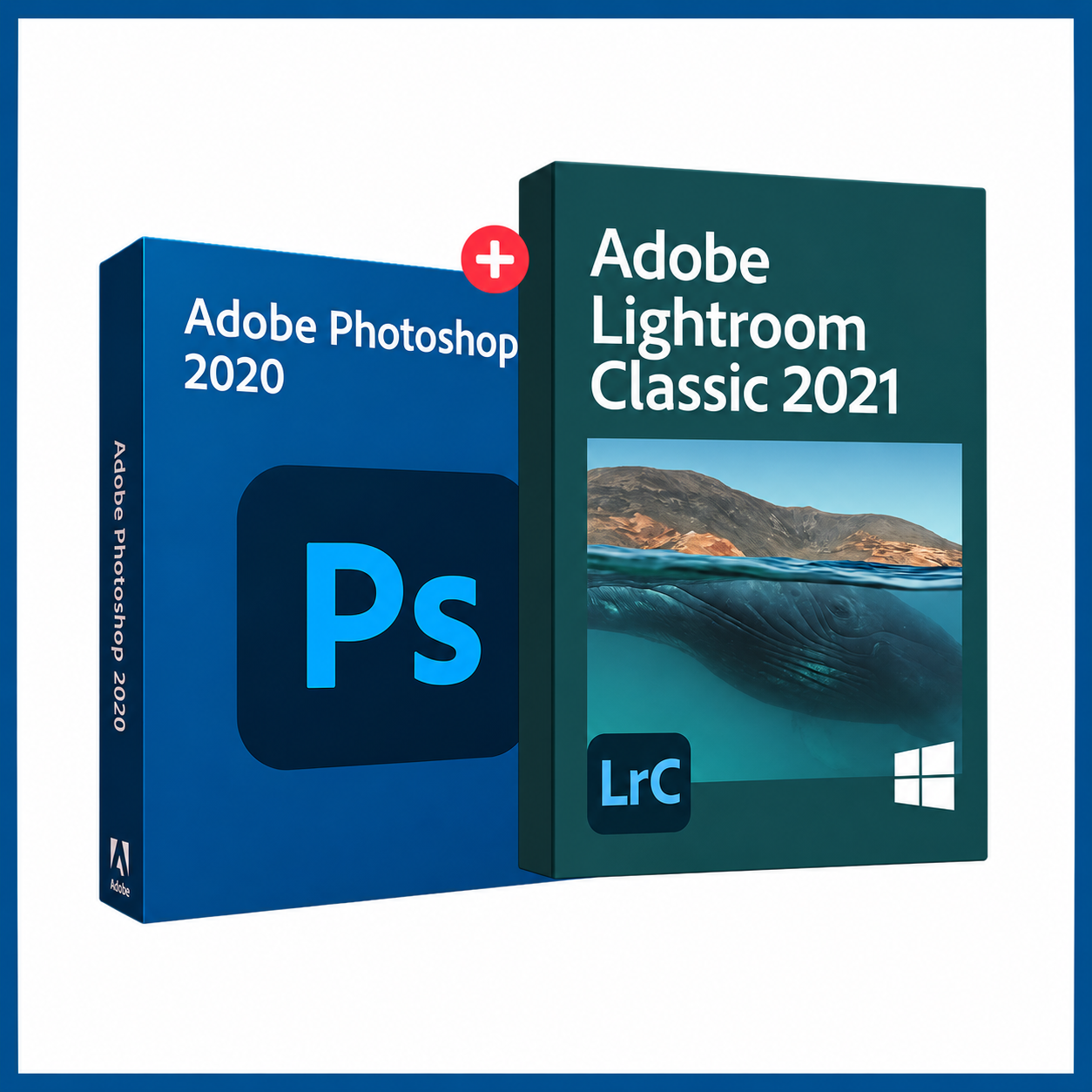
Adobe Photoshop 2020 + Lightroom Classic 2021 Bundle Windows LifetimeAdobe Photoshop 2020 + Lightroom Classic 2021 – Lifetime Bundle Unlock your creative potential with this professional Adobe bundle, featuring Adobe Photoshop 2020 and Adobe Lightroom Classic 2021 — two powerful applications designed for professional photo editing, image enhancement, organization, and creative workflows. Whether you're a photographer, content creator, designer, freelancer, or creative professional, this bundle gives you the essential tools to edit, enhance, organize, and transform your photographs. The products are provided as a digital purchase for one Windows device, with the required download and activation instructions delivered by email. What's Included Adobe Photoshop 2020 A professional image-editing application for detailed photo retouching, graphic design, image compositing, and creative projects. Key features include: Professional photo editing and retouching Advanced selection and masking tools Layers and layer masks Color and lighting adjustments Content-Aware editing Object Selection tools Typography and graphic-design tools RAW image editing support Creative compositing and digital artwork Support for multiple languages Adobe identifies Photoshop 2020 as the 21.x generation. Adobe Lightroom Classic 2021 A powerful desktop photography application designed for organizing, editing, and managing large collections of photographs. Key features include: Professional RAW photo editing Photo organization and catalog management Advanced color and tonal adjustments Lens and camera corrections Non-destructive editing Presets and batch editing Photo import, organization, and export Professional workflow for large photo libraries Lightroom Classic 10.0, released in October 2020 and forming part of the 2021 release generation, requires Windows 10 version 1903 or later and increased the minimum RAM requirement to 8 GB. What's Included With Your Purchase? Adobe Photoshop 2020 Adobe Lightroom Classic 2021 Digital download Download and installation instructions Activation instructions License for 1 Windows device Worldwide use Multiple language support Important: This bundle is for Windows only. macOS is not supported. Important: The license is intended for one device only. A separate license is required for an additional device. System Requirements Because both applications are older releases, the requirements below are based on their corresponding release generations rather than today's current Adobe requirements. Windows Component Minimum Requirement Recommended Operating System Windows 10 64-bit Windows 10/11 64-bit Processor 64-bit Intel or AMD, 2 GHz or faster Quad-core processor or better RAM 8 GB 16 GB or more Graphics DirectX-compatible GPU Dedicated GPU with additional VRAM Storage Free space required for installation SSD recommended Display 1280 × 800 1920 × 1080 or higher For Photoshop 2020, Adobe's documented minimum includes a 64-bit Intel/AMD processor at 2 GHz or faster and Windows 7 SP1 64-bit or Windows 10 version...22,66 £*Shipping: 0,00 £Secure redirect to the provider
-
Adobe Photoshop 2020 + Lightroom Classic 2021 + Acrobat Pro 2021 – Lifetime Bundle for WindowsAdobe Photoshop 2020 + Lightroom Classic 2021 + Acrobat Pro 2021 – Lifetime Bundle for Windows Get three powerful Adobe desktop applications in one complete professional bundle. Adobe Photoshop 2020, Adobe Lightroom Classic 2021, and Adobe Acrobat Pro 2021 provide essential tools for professional photo editing, photo organization, creative design, and PDF management. Whether you are a photographer, designer, content creator, freelancer, student, or business user, this bundle brings together three professional applications for your everyday creative and document needs. This is a one-time purchase for one Windows device, with digital delivery and private download instructions provided after purchase. What's Included Adobe Photoshop 2020 Create, edit, retouch, and enhance images with professional photo-editing and graphic-design tools. Features include: Professional photo editing and retouching Layers, masks, and advanced selection tools Color correction and image adjustments Content-Aware editing Object Selection tools Graphic design and typography tools Image compositing and creative artwork RAW image editing support Adobe Lightroom Classic 2021 Organize, edit, and manage your photography with a professional desktop photo workflow. Features include: Professional photo organization and catalog management RAW photo processing Color, exposure, and tone adjustments Presets and batch editing Cropping, sharpening, and noise reduction Lens and camera corrections Non-destructive photo editing Professional photo import and export tools Adobe Acrobat Pro 2021 Manage PDF documents with a comprehensive set of professional PDF tools. Features include: Create and edit PDF documents Convert files to and from PDF Edit PDF text and images Combine and organize PDF files Add comments and annotations Manage PDF pages Create professional documents and forms Tools for business, education, and everyday PDF workflows License & Digital Delivery One-time purchase No recurring subscription fees License for 1 Windows device Private direct download link provided No physical product shipped Installation instructions included Activation instructions provided 24/7 IT support available Pre-activated download – no license key or Adobe account needed. You will receive a private download link to install the software. No product key or Adobe login is included. System Requirements Operating System Windows 10 64-bit Windows 11 64-bit 64-bit Windows operating system required Processor 64-bit Intel or AMD processor 2 GHz or faster recommended Memory 8 GB RAM minimum 16 GB RAM or more recommended Storage At least 10 GB of available disk space Additional storage recommended for Lightroom catalogs, photographs, and project files Display Minimum 1280 × 800 resolution 1920 × 1080 or higher recommended Graphics DirectX-compatible graphics processor 2 GB of GPU memory recommended for graphics acceleration Internet Internet connection may be required for downloading and installation Important...26,56 £*Shipping: 0,00 £Secure redirect to the provider
-
Little Brown Book Group No Limits: Blow the Cap Off Your Capacity by John C. Maxwell – Personal Growth & Leadership Development GuideNo Limits: Blow the CAP Off Your Capacity Description We often treat the word capacity as if it were a natural law of limitation. Unfortunately; most of us are much more comfortable defining what we perceive is off limits rather than what's possible. Could it be that many people have allowed what they perceive as capacity to define them? Have they allowed their perception to limit their attitudes about their potential? In his newest book; John Maxwell identifies 17 core capacities. Some of these are abilities we all already possess; such as energy; creativity and leadership. Others are aspects of our lives controlled by our choices; like our attitudes; character; and intentionality. Maxwell examines each of these 17 capacities; and provides clear and actionable advice on how you can increase your potential in each. He will guide you on how to identify; grow; and apply your critical capacities to your daily life. Once you've blown the 'cap' off your capacities; you'll find yourself more successful--and fulfilled--in your daily life.5,99 £*Shipping: 2,99 £Secure redirect to the provider
-
Why should one use Lightroom for RAW development?
One should use Lightroom for RAW development because it offers a wide range of powerful tools and features specifically designed for processing RAW files. It provides non-destructive editing, allowing users to make adjustments without altering the original RAW file. Lightroom also offers advanced color correction, exposure adjustments, noise reduction, and lens correction tools, making it a comprehensive solution for RAW development. Additionally, its seamless integration with the rest of the Adobe Creative Cloud ecosystem allows for easy workflow management and organization. **
-
Why is the development not working in Lightroom?
The development may not be working in Lightroom due to a variety of reasons. It could be a technical issue such as a software glitch or a problem with the image file itself. It's also possible that the user may not be applying the development tools correctly or may not have a good understanding of how to use them effectively. Additionally, the issue could be related to the computer's hardware or system requirements not meeting the necessary specifications for running Lightroom smoothly. Troubleshooting the specific issue and seeking help from the Lightroom community or customer support can help identify and resolve the problem. **
-
What is the problem with the development in Lightroom?
The problem with the development in Lightroom is that it can be time-consuming and overwhelming for some users. With a wide range of editing tools and options, it can be difficult for beginners to know where to start and how to achieve the desired results. Additionally, the non-destructive editing process can lead to large catalog sizes and slow performance, especially when working with a large number of high-resolution images. This can make the editing process frustrating and inefficient for some users. **
-
What is the difference between Lightroom and Lightroom Classic 2?
Lightroom and Lightroom Classic 2 are both photo editing software developed by Adobe, but they have some key differences. Lightroom is a cloud-based service that allows users to edit and organize their photos across multiple devices, with all the edits and changes being automatically synced to the cloud. On the other hand, Lightroom Classic 2 is a desktop-focused application that stores all the photos and edits locally on the user's computer, with the option to sync selected collections to the cloud. Lightroom Classic 2 also has more advanced features and customization options compared to Lightroom. **
Similar search terms for Lightroom
-
Tiny Tots Teens Trends Crawling Doll Baby Toy With Music, Early Education Crawling Guidance, Head Up Training Toy For Babies yellowIntroduce your baby to a fun and educational experience with our Crawling Doll Baby Toy with Music. This delightful toy is designed to guide babies as they learn to crawl, promoting early development and coordination. Fun guidance for babies to...29,97 $*Shipping: 0,00 $Secure redirect to the provider
-
Bluebird Mentors: How to Help and Be Helped by Russell Brand – Personal Growth & Guidance BookRussell Brand Mentors How to Help and Be Helped ‘I have mentors in every area of my life, as a comic, a dad, a recovering drug addict, a spiritual being and as a man who believes that we, as individuals and the great globe itself, are works in progress and that through a chain of mentorship we can improve individually and globally, together . . . One of the unexpected advantages my drug addiction granted is that the process of recovery that I practise includes a mentorship tradition. I will encourage you to find mentors of your own and explain how you may better use the ones you already have. Furthermore, I will tell you about my experiences mentoring others and how invaluable that has been on my ongoing journey to self-acceptance and how it has helped me to transform from a bewildered and volatile vagabond to a (mostly) present and (usually) focussed husband and father.’ – Russell Brand Mentors: How to Help and Be Helped describes the impact that a series of significant people have had on the author – from the wayward youths he tried to emulate growing up in Essex, through the first ex-junkie stage, to the people he turns to today to help him be a better father. It explores how we all – consciously and unconsciously – choose guides, mentors and heroes throughout our lives and examines the new perspectives they can bring.1,99 £*Shipping: 1,99 £Secure redirect to the provider
-
The Readers Paradise Enhancing Your Leadership Skills: A Practical Handbook for Success by Prof. V.K.Simon - Non Fiction Paperback - Leadership & Professional DevelopmentEnhance your leadership skills with this practical handbook by Prof. V.K.Simon. Written for anyone looking to lead with confidence and clarity, it blends self-awareness, emotional intelligence, and real-world strategy to help you achieve success. Whether you're a first-time manager or a seasoned executive, this compact guide delivers tools to strengthen decision-making, communication, and team impact in a fast-changing global workplace. It's built around the idea that great leadership is learned through practice, not theory alone, and covers the core competencies every effective leader needs, starting with self-awareness and emotional intelligence.2,99 £*Shipping: 2,99 £Secure redirect to the provider
-
Robin Sharma 3-Book Collection Set by Robin Sharma - Leadership & Personal Growth - Non Fiction - PaperbackTitles in This Set:. The Leader Who Had No Title:A Modern Fable on Real Success in Business and in Life. The Saint the Surfer and the Ceo. The Secret Letters of the Monk Who Sold His Ferrari Condition: BRAND NEW. Format: Paperback. ISBN: Overview:. Discover a powerful trio of Robin Sharma’s most enduring leadership parables in one compact, ready-to-read collection. The Leader Who Had No Title presents a modern fable about real success that transcends rank, showing readers that true leadership is earned through daily habits, service, and a clear sense of purpose. The Saint the Surfer and the Ceo follows a transformative journey in which a seeker encounters three distinct teachers—each embodying a different path to fulfilment—and learns how to align heart and ambition in a busy, results-driven world. The Secret Letters of the Monk Who Sold His Ferrari gathers intimate letters offering practical wisdom for happiness, resilience, and authentic living. Together, these three paperback titles form a cohesive program for personal and professional growth, designed for busy professionals, aspiring leaders, students of self-improvement, and anyone seeking to elevate their daily life. The brand-new editions are portable, gift-ready, and built to inspire daily action on the road to higher achievement. What Makes This Collection Special:. This set is more than a bookmarkable trio; it’s a guided reading journey that builds a practical leadership toolkit across three distinct lenses. The Leader Who Had No Title introduces core principles of influence without formal authority, while The Saint the Surfer and the Ceo expands those ideas through memorable archetypes and universal truths about purpose-driven work. The Secret Letters of the Monk Who Sold His Ferrari distills those insights into bite-sized, reflective letters you can return to again and again. The result is a binge-worthy, portable library that reinforces consistent values—clarity, discipline, service, and fulfilment—across business and life. It’s an ideal gift for collaborators, graduates, or anyone ready to turn inspiration into tangible, everyday impact. Books Included in This Collection:. The Leader Who Had No Title:A Modern Fable on Real Success in Business and in Life. Blending storytelling with practical wisdom, this modern fable invites readers to question leadership as a title and embrace leadership as daily practice. Through a narrative about a reluctant employee who learns from mentors, the book distills actionable habits—communication, courage, accountability, and generosity—that elevate performance and character in the workplace and at home. It’s accessible, motivating, and designed for busy readers seeking a clear path from idea to action. Expect crisp chapters, memorable parables, and principles you can apply immediately to improve teamwork, decision-making, and personal momentum. The Saint the Surfer and the Ceo. Across continents and cultures, this book leads you through a journey of...22,99 £*Shipping: 2,99 £Secure redirect to the provider
-
Which version do you prefer: Adobe Lightroom or Lightroom Classic?
I prefer Adobe Lightroom because of its cloud-based storage and seamless integration across devices. It allows me to access and edit my photos from anywhere, and the automatic syncing feature ensures that all my edits are up to date on all my devices. Additionally, the user interface of Adobe Lightroom is more modern and intuitive, making it easier for me to navigate and use the various editing tools. Overall, Adobe Lightroom provides a more convenient and efficient workflow for my photography needs. **
-
Can Lightroom recognize settings?
Yes, Lightroom can recognize settings through its ability to read and apply metadata. When you import photos into Lightroom, it can recognize and apply any existing settings or metadata that were previously applied to the photos. This can include things like exposure settings, color adjustments, and other editing changes. Additionally, Lightroom can also recognize and apply presets that have been created or imported, allowing for quick and easy application of specific editing settings. **
-
Is it worth using Lightroom?
Yes, it is worth using Lightroom for photographers and anyone who wants to organize, edit, and enhance their photos. Lightroom offers powerful editing tools, non-destructive editing, and the ability to easily organize and manage large collections of photos. It also integrates well with Adobe Photoshop and other Adobe Creative Cloud apps, making it a valuable part of a photographer's workflow. Additionally, Lightroom's presets and profiles can help streamline the editing process and achieve consistent looks across a series of photos. Overall, Lightroom is a valuable tool for photographers and photo enthusiasts looking to take their editing and organization to the next level. **
-
How can I sell Lightroom 6?
To sell Lightroom 6, you can list it on online marketplaces such as eBay, Amazon, or Craigslist. Make sure to include detailed information about the product, its condition, and any accessories that come with it. You can also try selling it through social media platforms or photography forums where there may be potential buyers interested in purchasing a second-hand copy of Lightroom 6. Additionally, consider offering a competitive price to attract more buyers. **
* All prices are inclusive of VAT and, if applicable, plus shipping costs. The offer information is based on the details provided by the respective shop and is updated through automated processes. Real-time updates do not occur, so deviations can occur in individual cases. ** Note: Parts of this content were created by AI.